Put Your Vehicles Anywhere
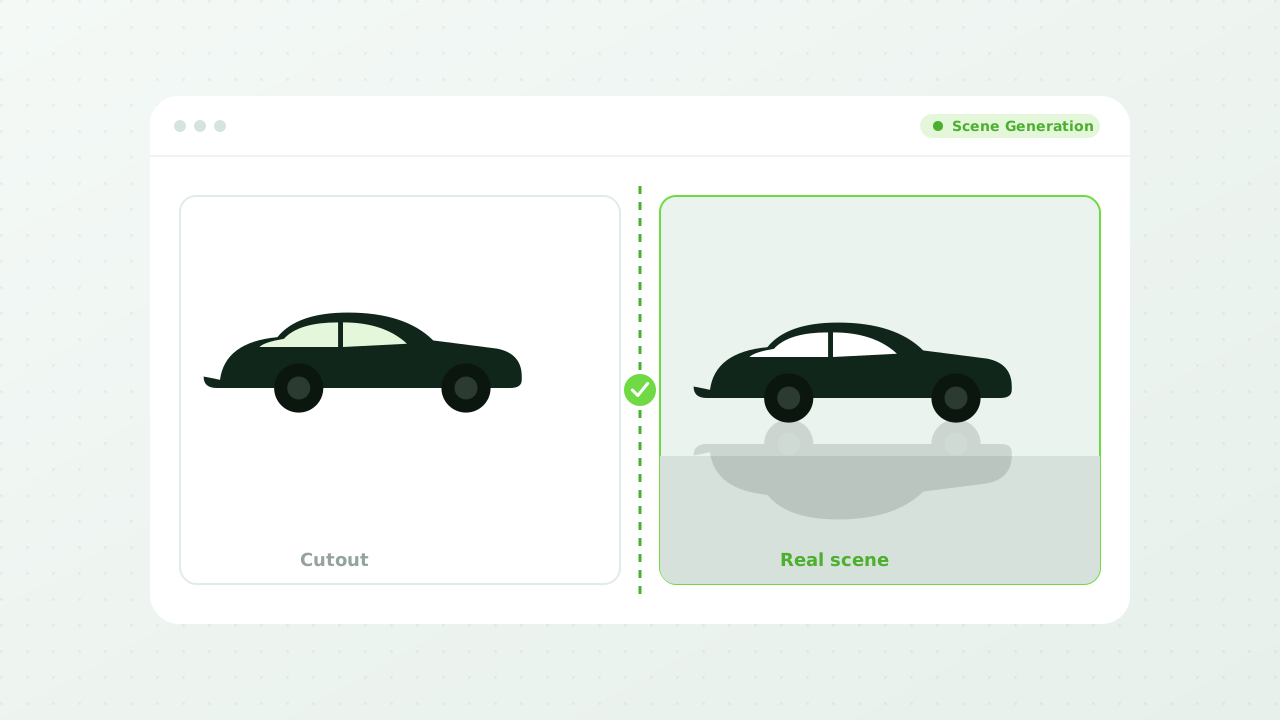
Removing the background is step one. Scene generation is what happens next: dropping the vehicle into a setting that looks like it was actually photographed there, with lighting, reflections, and shadows that match.

The difference between a cutout and a photograph
A pasted-on background looks pasted on
Shoppers can't always articulate why an image feels fake, but they notice. Matching the light, the shadow, and the reflections is the work that makes a generated scene read as a real photo.
- Matched Lighting
- The scene's light direction is applied to the vehicle, so a sunset backdrop doesn't sit behind a noon-lit car.
- Grounded Shadows
- Contact shadows put the vehicle on the surface instead of floating it above one.
- Believable Reflections
- Paint and glass pick up the environment around them, which is what sells the composite.
Scenes that fit the inventory
Not every vehicle belongs on the same backdrop
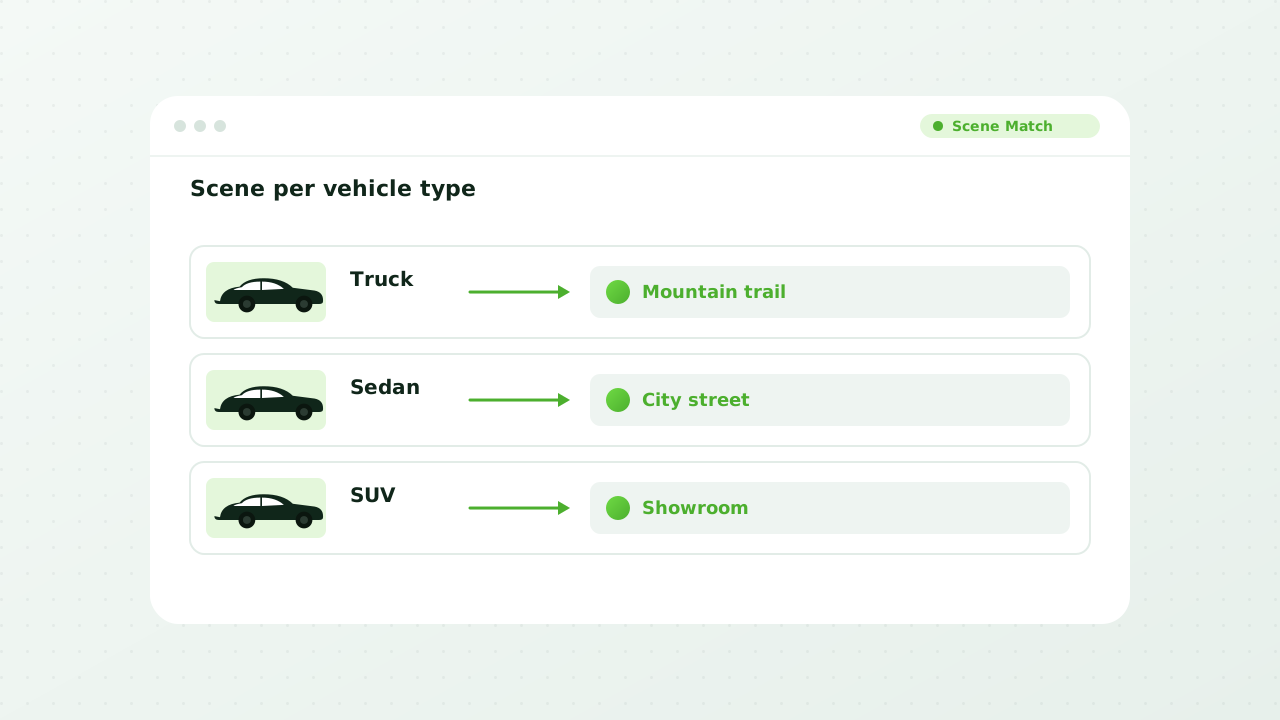
A work truck and a convertible are sold to different people for different reasons. Assign scenes by body style, by segment, or by individual vehicle, so the setting is doing some of the selling.
- Showroom
- A clean, well-lit indoor floor for units you want to feel premium.
- Outdoor and Scenic
- Mountain roads, coastlines, and city streets for the vehicles that sell on lifestyle.
- Matched to the Vehicle
- A lifted truck on a trail and a luxury sedan in a showroom, chosen to fit what you're selling.
- Your Own Scenes
- Use a photo of your actual showroom so every unit appears to have been shot at your store.
Your team stays in control
Generate broadly, approve deliberately
AI should be doing the volume work, not making the final call. Generate scenes across the lot in minutes, then let someone who knows your brand approve what actually goes live.
- Generated in Bulk
- Apply a scene across your whole lot, or a segment of it, in one pass.
- Review Before Publishing
- Every generated image can be approved, regenerated, or reverted to the original.
- Originals Preserved
- Generation is non-destructive. Your source photography is always underneath.