Reporting That Answers the Question
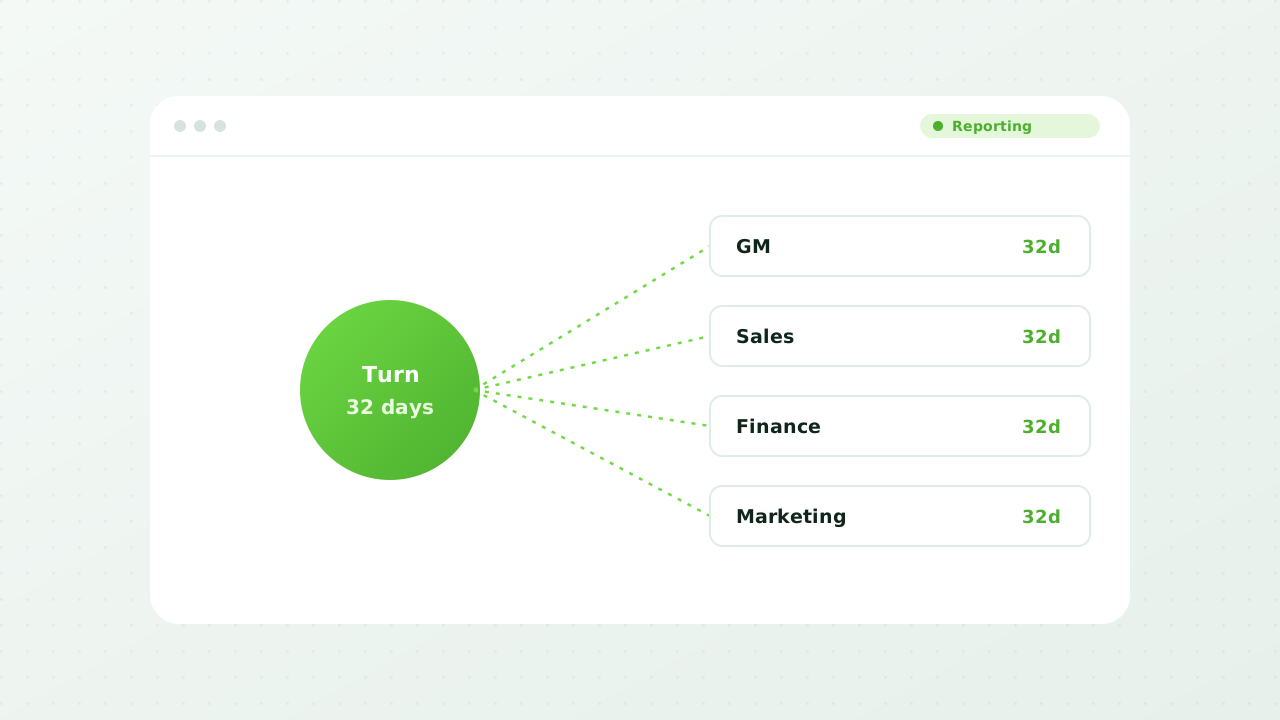
Dealerships don't have a data problem, they have a "which number is right" problem. autoZnetwork reports from one live source, using the same definitions across every store, so the conversation is about what to do rather than whose spreadsheet to believe.
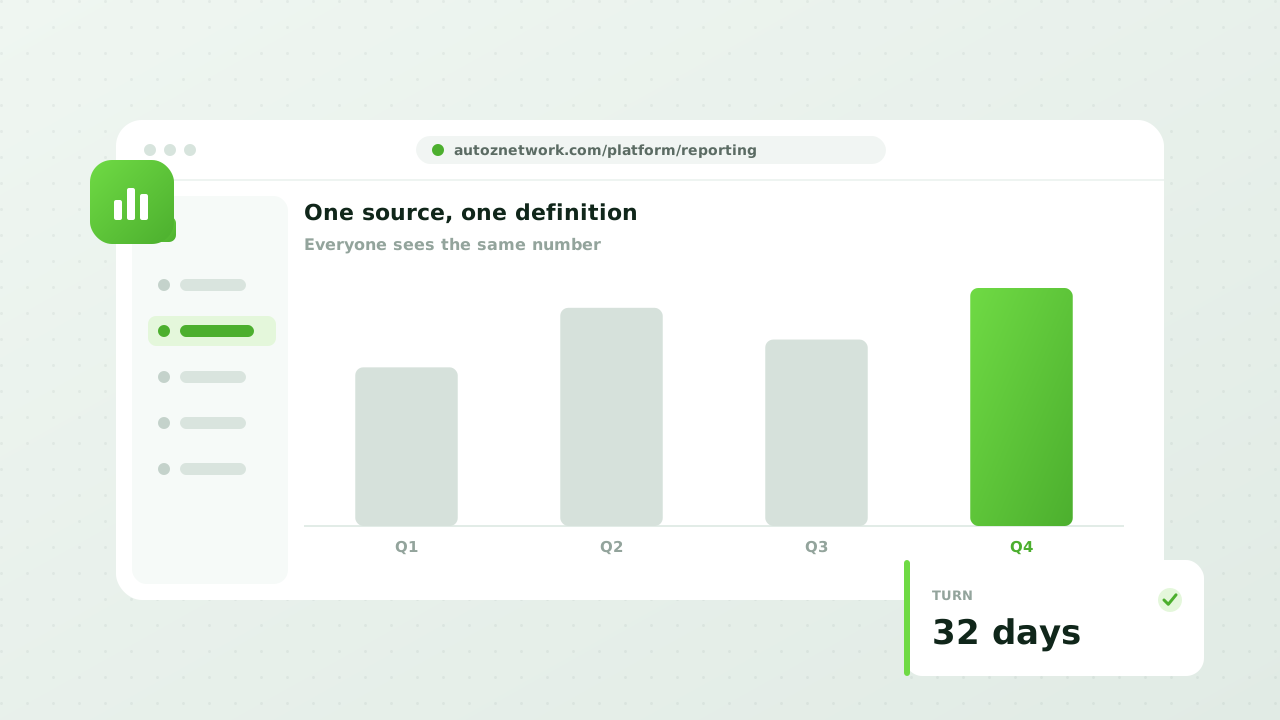
One source, one definition
Everyone should be looking at the same number
Most disagreements in a dealership meeting are definitional. Two people mean different things by "days on lot" and spend twenty minutes discovering it. Reporting from one system with one definition ends that conversation before it starts.
- Inventory Performance
- Age, turn, and days to sell, by segment, by store, over any period you choose.
- Merchandising Quality
- Photo counts, description completeness, and time from arrival to fully merchandised.
- Syndication Health
- What went out, where it landed, and what failed to send.
- Team Activity
- Who's doing what across your inventory, and where the work is piling up.
Process, not just outcomes
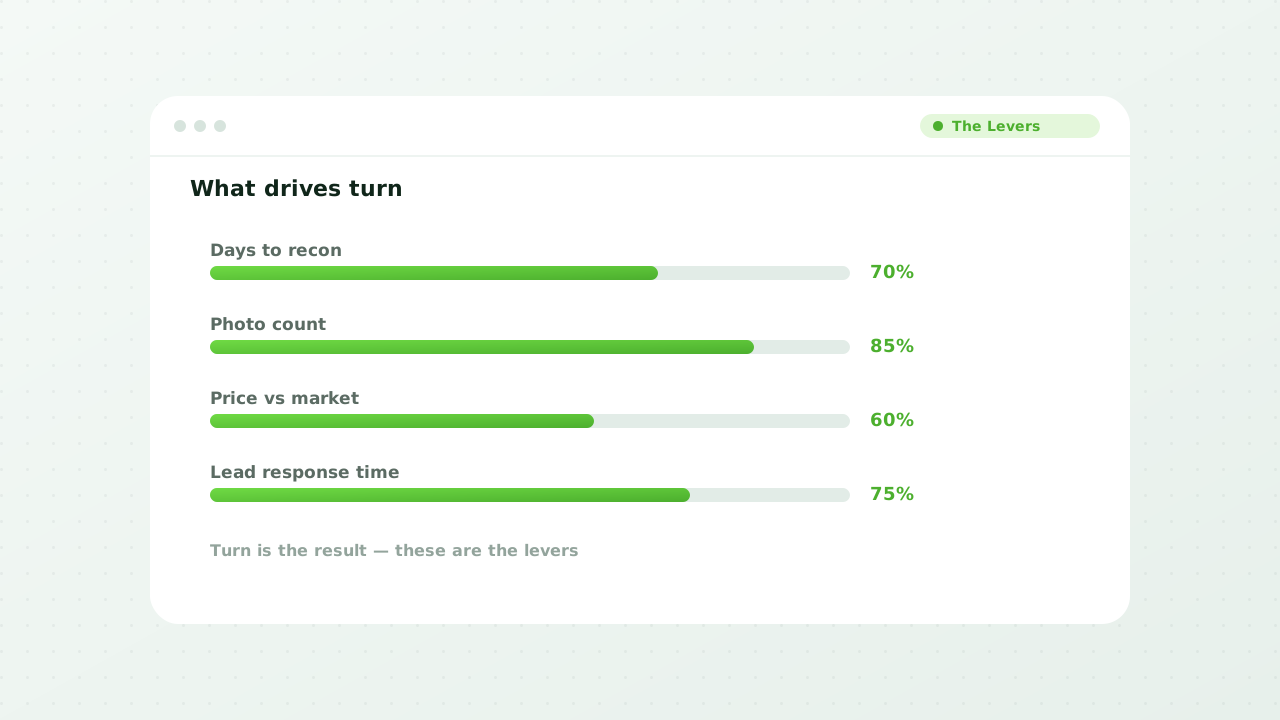
Turn is the result, not the lever
You can't manage a turn number directly. You can manage the four days a vehicle spent waiting on photos, and that's the kind of thing worth measuring because it's the kind of thing you can fix.
- Time to Front Line
- How long a vehicle takes from arrival to fully merchandised and advertised.
- Where It Stalls
- The stage in your process that's actually costing you days.
- Trend Over Time
- Whether a change your team made last quarter did anything measurable.
- Compare Rooftops
- Rank stores on identical metrics and see who's genuinely ahead.
Reporting that reaches people
The best report is the one that shows up
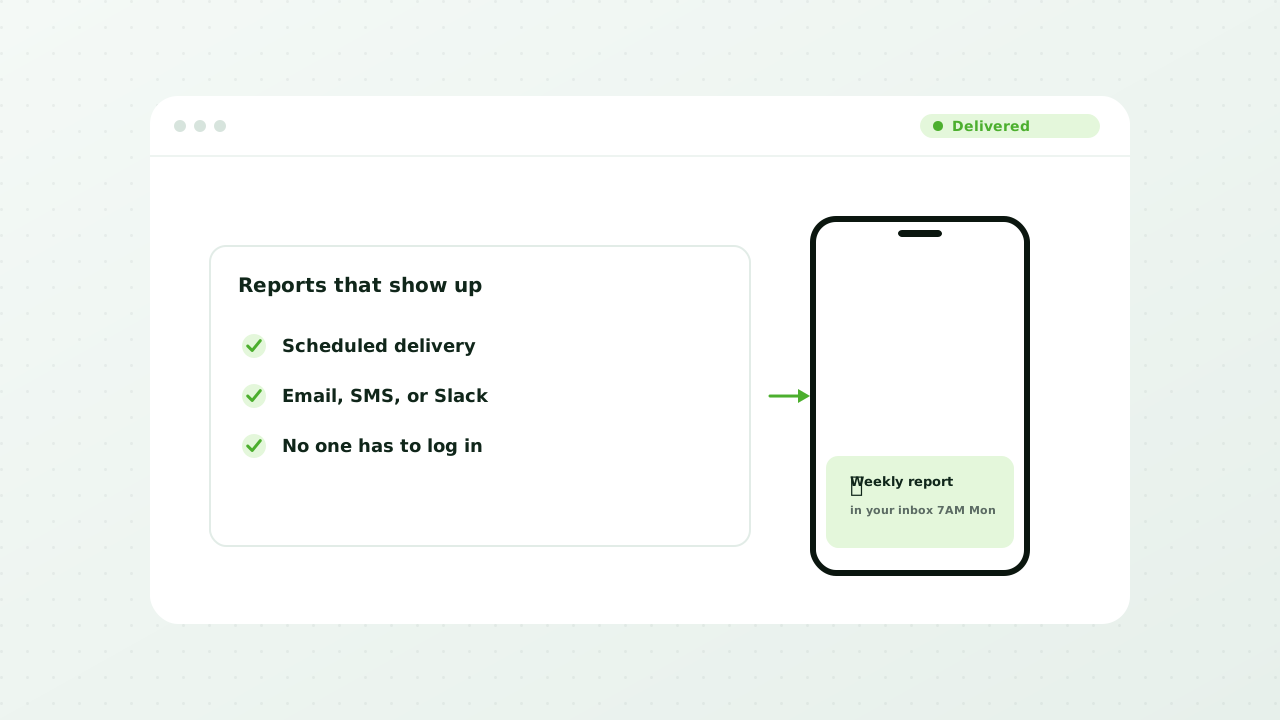
A report someone has to remember to run is a report that gets run in the first two weeks. Scheduling it to arrive, in a format people already work in, is most of what makes reporting stick.
- Scheduled Delivery
- The reports that matter, arriving on their own, to the people who need them.
- Export Anywhere
- CSV and Excel for the analyses that belong in a spreadsheet.
- Pull Through the API
- Feed your own BI stack from the same data the reports are built on.
- Filter to Your Question
- Slice by store, segment, source, or date range without a report builder.